Price Volatility
Rendered lesson
Financial data becomes readable when price action is shown frame by frame
Candlestick charts and volatility patterns land better animated than as a static slide.
Type a topic, get an animated explainer video in minutes—storyboard, animated scenes, voiceover, and polished exports.
Turn one teaching prompt into a storyboard, editable scenes, live render progress, and a polished explainer video without stitching together a production stack.
These panels mirror the real studio UI. Pick a sample lesson and watch the workspace update.
The problem
Most tools were built for editors, motion designers, or slide authors. If you teach for a living, one small change can reopen the whole production chain.
When writing, visuals, narration, and export all live in different tools, the friction piles up fast.
SamvityVAI keeps your prompt, storyboard, edits, render progress, and export in one place so you can stay on the lesson instead of juggling tools.
User story
No video editing experience needed. You bring the idea. SamvityVAI gets you to a finished teaching video.
Type what you want to teach — a concept, a process, a comparison. SamvityVAI turns that into a clear structure and a strong visual direction for you.
Scenes, narration, and structure appear right away, so you can scan the lesson flow before going deeper into edits.
Titles, narration, and scene structure stay aligned in one editing surface, so revisions feel like refining the lesson rather than managing tooling.
The queue makes progress obvious, so you can see what is finished, what is still rendering, and when the project is ready to share.
Share the idea you want to teach and get back a clear video plan you can refine in minutes.
Rendered outputs
These rendered examples show the actual end product: clear motion, strong pacing, and visuals designed to explain ideas across any subject.
Candlestick charts and volatility patterns land better animated than as a static slide.

Step-by-step visuals let learners follow mitosis without reading dense text.

Amber highlights mark the compared pair; swaps animate simultaneously so the pivot logic is self-evident.
Waterfall charts make revenue and cost structure intuitive at a glance.
Animated arcs between regions make trade, migration, and network geography immediately legible.

Animated pie charts make relative shares register faster than reading a table.
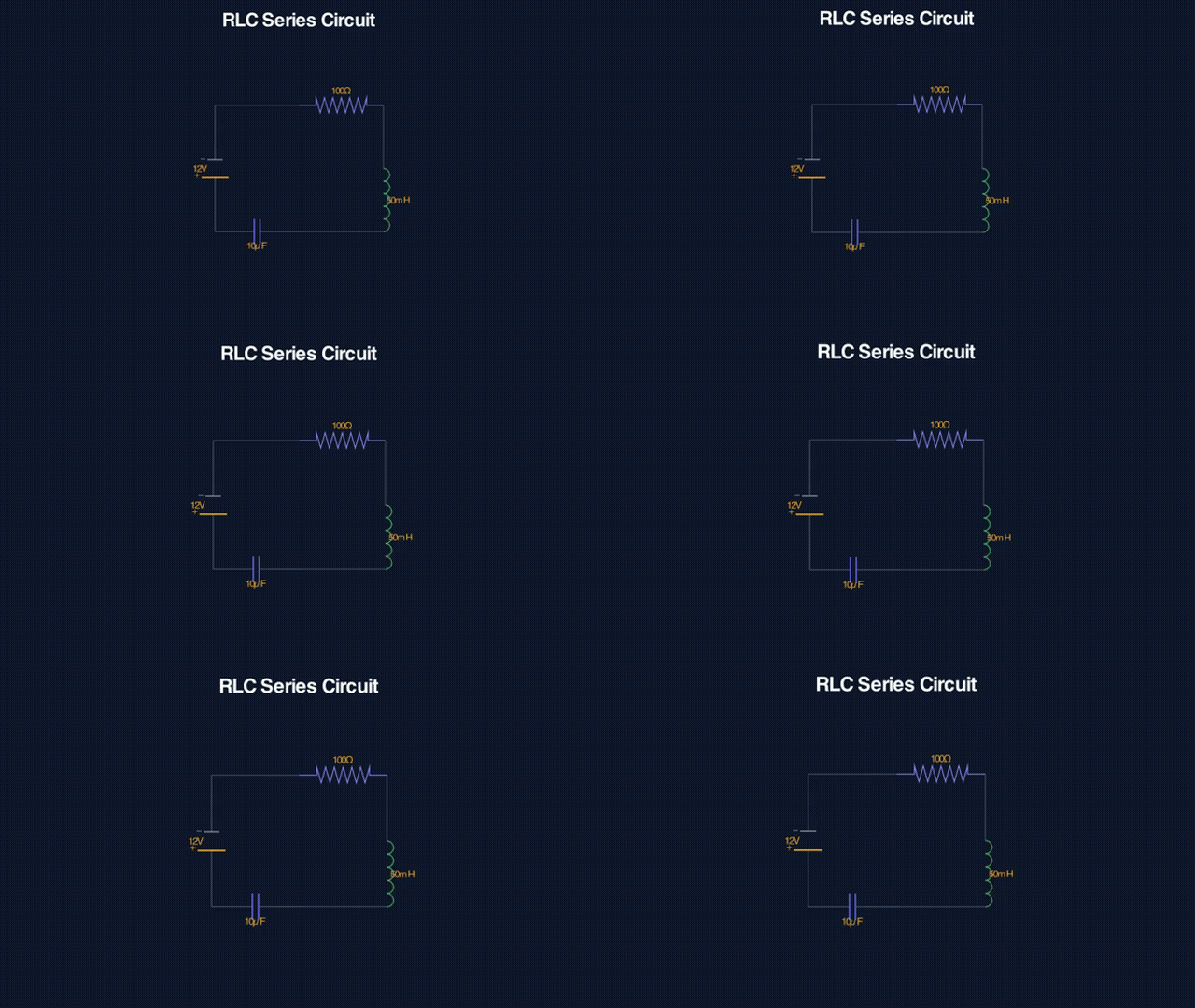
RLC components, voltage sources, and current paths are labeled clearly without clutter.

Weight, normal, applied force, and friction appear sequentially so each contribution to net torque is clear.

These are real outputs from the product, included as proof of what you can publish.
Use cases
If you run an educational channel, SamvityVAI helps you turn a rough outline into a polished animated explainer fast enough to keep your publishing cadence without losing days to production work.
"I used to lose a full day to animation work for each upload. Now I can get a polished first version in one sitting."
ML Educator
Frequently Asked
Credits
Buy credits once — they never expire. Avg ~5 credits per short video.
Try out the studio and create your first few videos.
Best value for educators and regular content creators.
High-volume production for course libraries and teams.
Credits never expire · One-time purchase · No subscription
Ready to ship
SamvityVAI gives you a direct path from lesson idea to finished explainer. Start free if you want to create your first video yourself, or book a demo if you need a walkthrough for a team, course library, or repeat production workflow.
"The biggest win is that it feels understandable right away. I can plan, review, rerender, and export without getting lost in tooling."
Start free for self-serve creation. Book a demo for teams, assisted onboarding, or higher-volume production.
Sign up to start creating animated explainer videos. Log in if you already have an account.
Share your details and what you need. We will store the request in Firebase so you can follow up from Firestore or your own email workflow.